
OpenAI · Image model
GPT Image 2 — AI Image Generator
GPT Image is OpenAI’s image model, strong at following detailed instructions and rendering text. Use GPT Image 2 and 1.5 in Sargo.
- Modes
- Text-to-image, image editing, inpainting
- Max resolution
- Up to 4K
- In Sargo
- GPT Image 2, 1.5, inpaint
- Credits from
- 1 credit / image
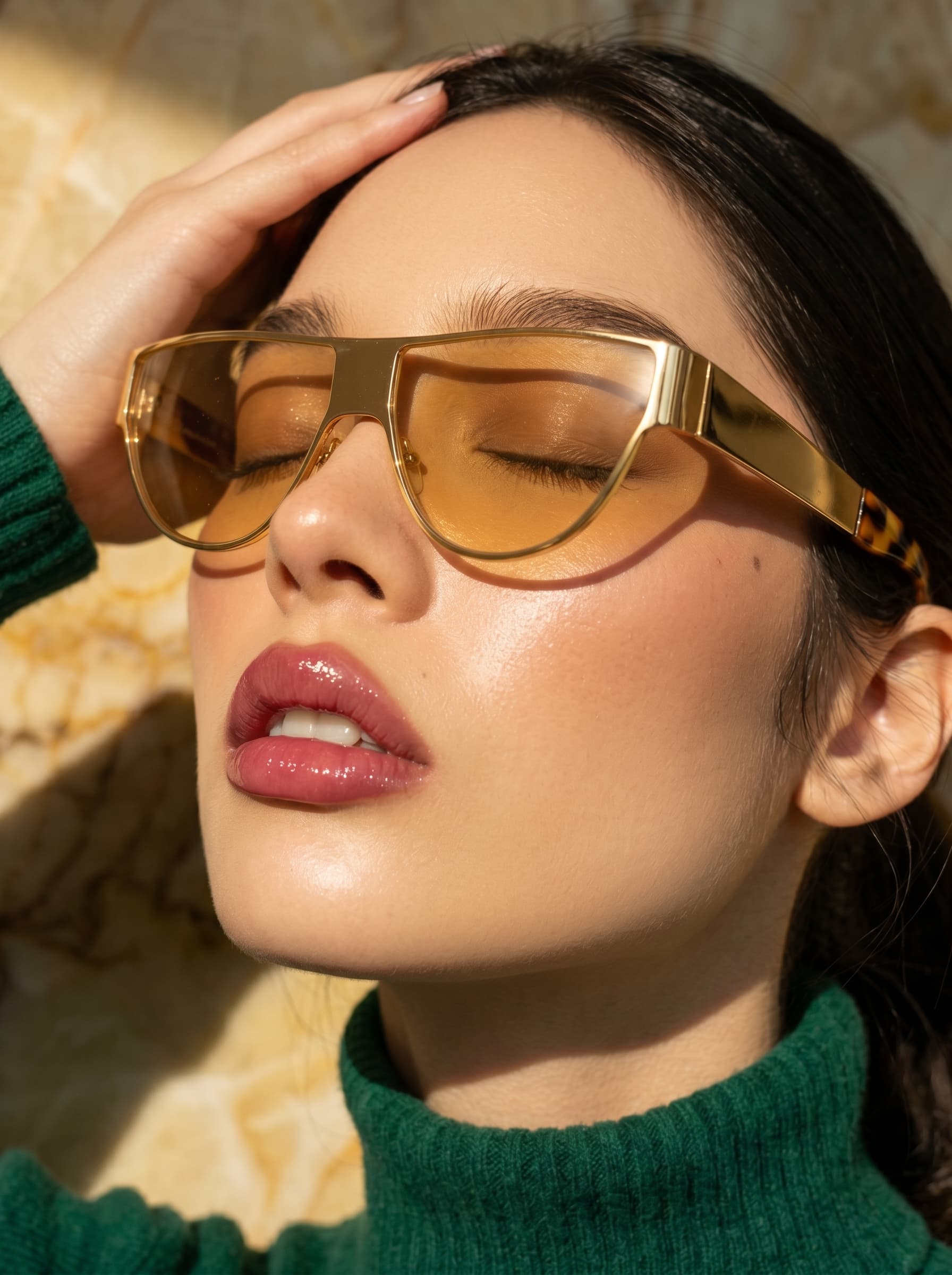
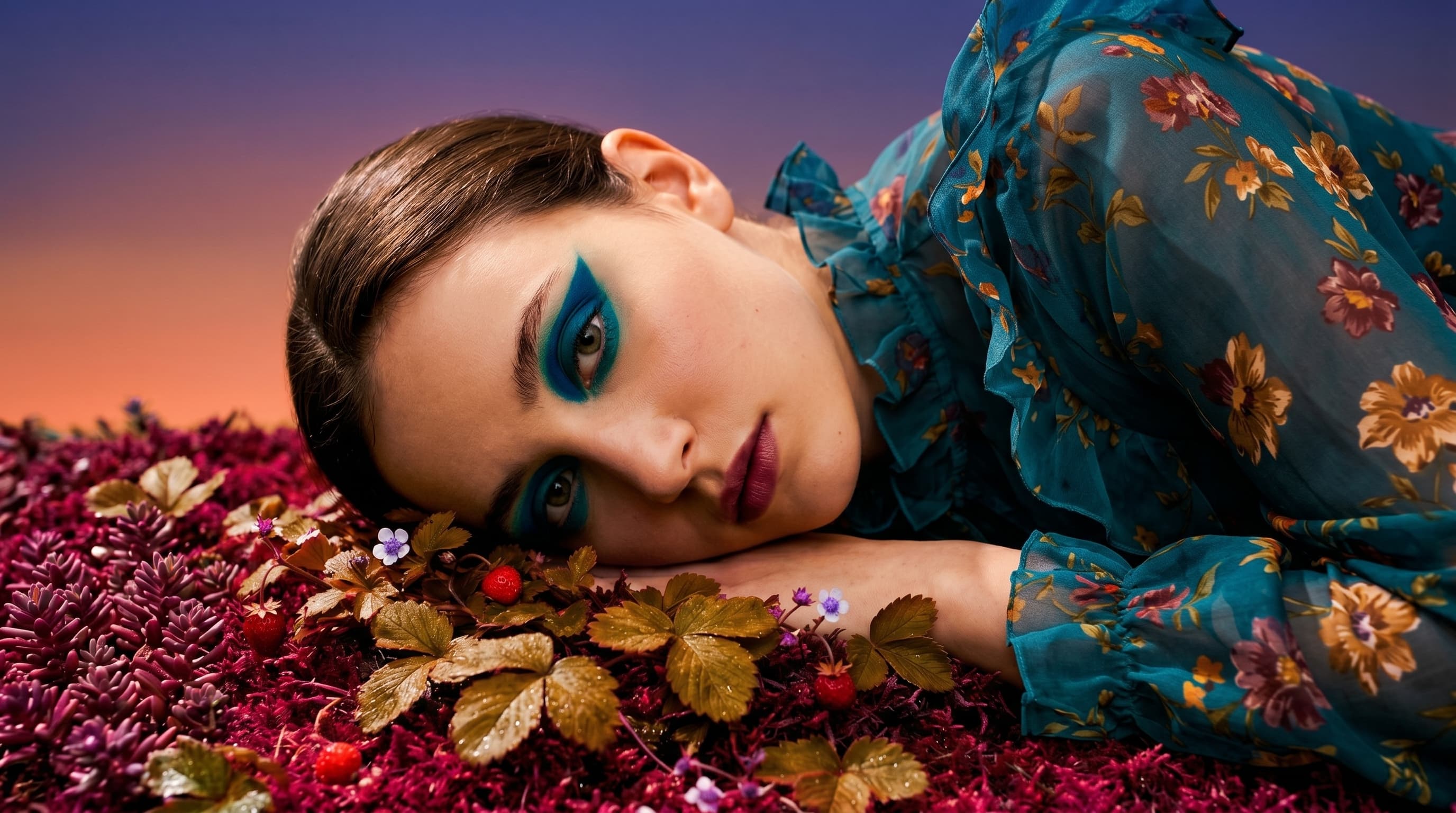
Made with GPT Image 2 in Sargo
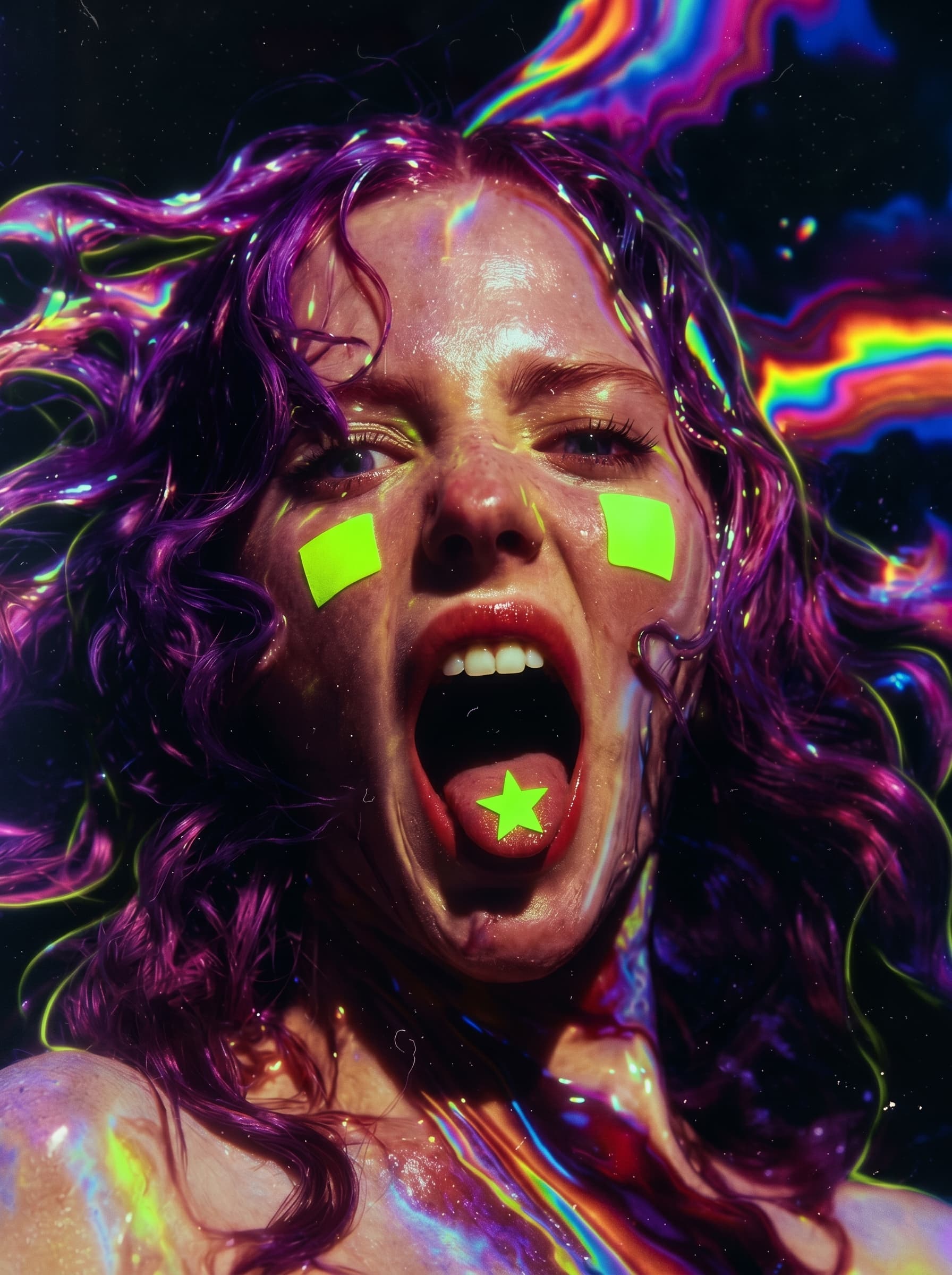
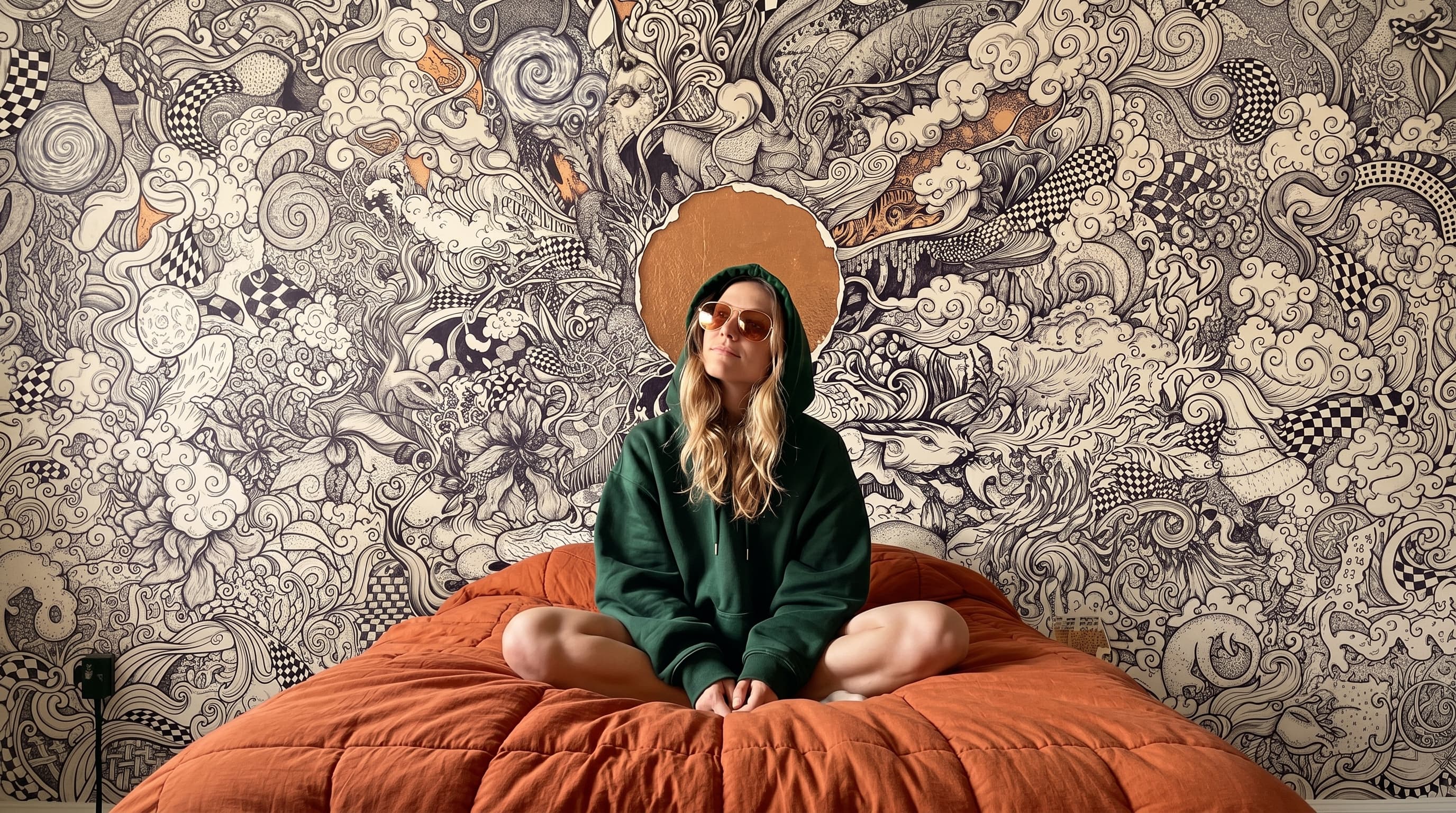
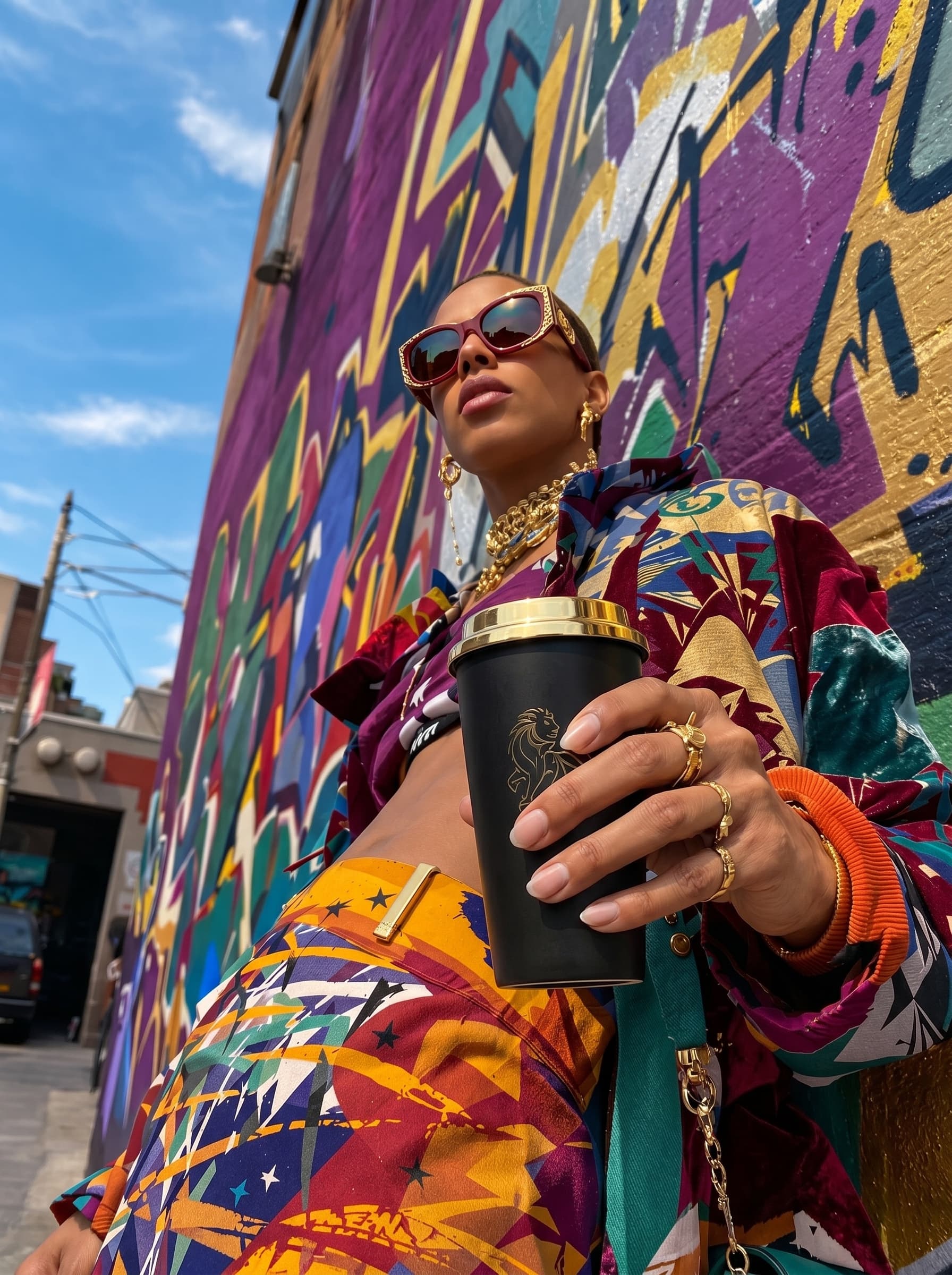
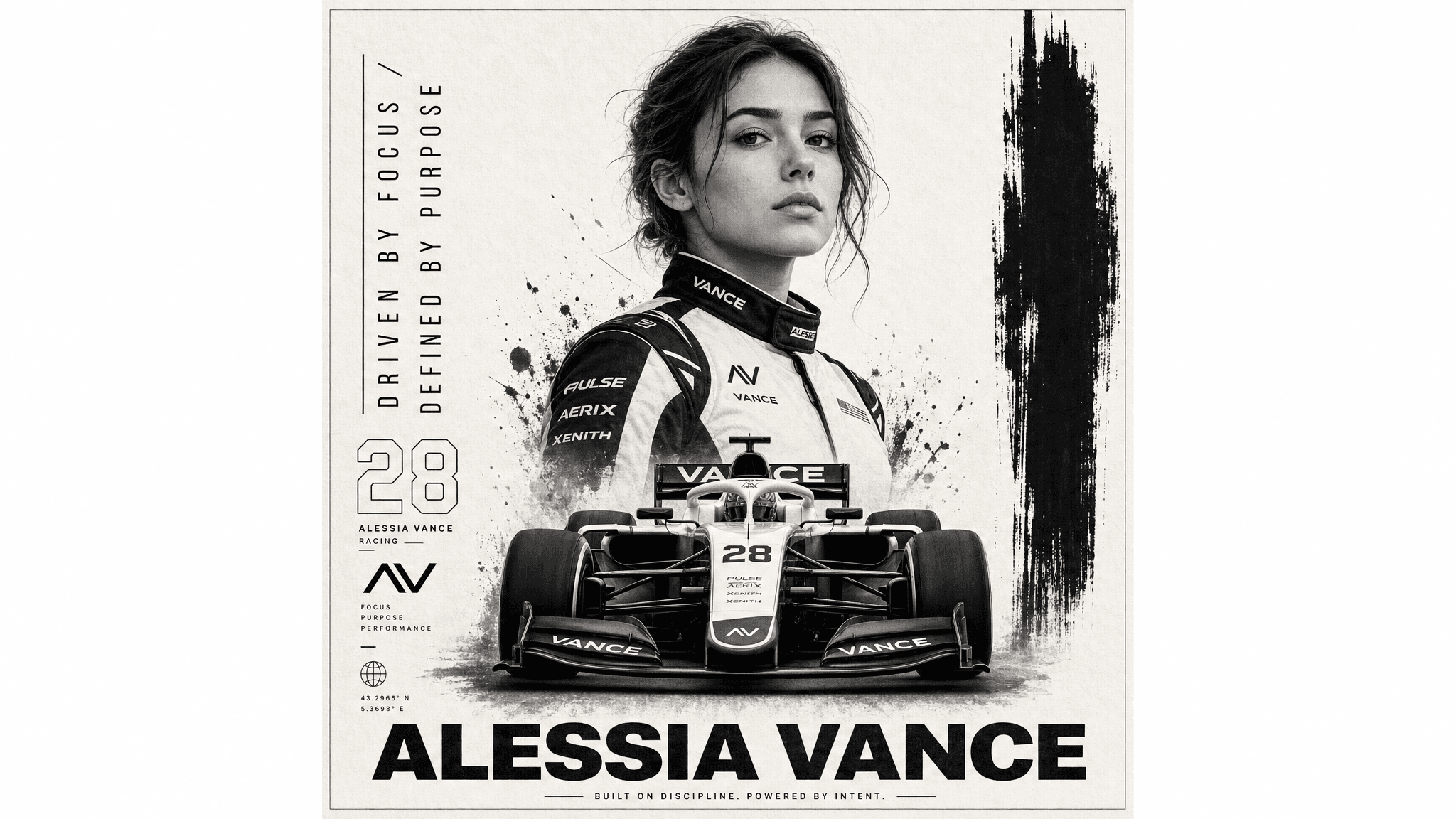
What GPT Image 2 is best for
- Instruction-heavy prompts
- Legible text in images
- High-resolution output up to 4K
GPT Image 2 models & variants in Sargo
- GPT Image 2
- GPT Image 2 Edit
- GPT Image 1.5
- GPT-4o Inpaint
Example prompts to try with GPT Image 2
- A clean product poster for a matte-black water bottle with bold legible headline text, studio lighting
- An infographic-style illustration of the water cycle with crisp, readable labels
How to use GPT Image 2 in Sargo
Open the image generator and select GPT Image 2 from the unified model picker.
Describe what you want, add any reference images, and tune the parameters.
Generate — every output lands on your Infinity canvas, ready to upscale, edit, or reuse.
One workspace, every model
Sargo isn’t locked to a single lab. GPT Image 2 sits next to Veo, Kling, Seedance, Flux, and Nano Banana, so you can pick the right model per shot and A/B them on the same prompt — all on one account with INR and USD pricing.
Frequently asked questions
- Is GPT Image the same as ChatGPT image?
- It’s OpenAI’s image model family. Sargo offers GPT Image 2 and GPT Image 1.5, including edit modes.
- What resolution can it reach?
- Up to 4K depending on aspect ratio.
- Is GPT Image 2 good at rendering text?
- Yes — GPT Image 2 is a strong choice for instruction-heavy prompts and legible text, at up to 4K resolution.
GPT Image 2 — AI Image Generator
GPT Image is OpenAI’s image model, strong at following detailed instructions and rendering text. Use GPT Image 2 and 1.5 in Sargo.